Aquatic Word Search cover

Puzzle game

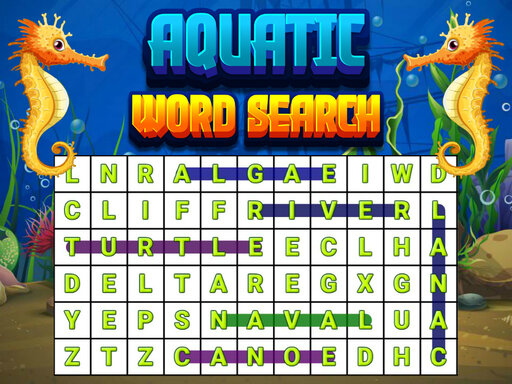
Aquatic Word Search

Word search puzzle with multi-directional letter connections.

Difficulty
Easy to moderate
Compatibility
See device support below

Game overview

Find hidden words in a grid of letters by connecting them in straight lines. Search horizontally, vertically, and diagonally in any direction to locate all words.

This title is best suited to players who enjoy word search puzzles with themed vocabulary..

How to play Aquatic Word Search

  1. View the list of words to find in the left panel
  2. Locate the first letter of a word in the grid
  3. Click or tap the first letter and drag to the last letter
  4. Words can run in any straight direction
  5. Find all listed words to complete the level

Controls

  • pointer: click first letter and drag to last

Objectives and failure conditions

Objectives

  • Find all words from the word list hidden in the letter grid.

The run ends or fails when

  • No failure state. Continue searching until all words are found.

Gameplay mechanics

  • Letter grid word search with straight-line selection in eight directions.
  • Level progression.

Device compatibility

Desktop browsers

Mouse or trackpad: Aquatic Word Search loads straight into the page on desktop Chrome, Edge, Firefox and Safari with no download or plugin. Controls used: pointer.

Phones and tablets

Touch controls: Aquatic Word Search is driven by pointer input, which maps to tap and drag on a touch screen.

Tips for Aquatic Word Search

  • Start with longer words as they're easier to spot
  • Check all eight directions systematically
  • Look for uncommon letter combinations first

What worked well and what did not

Pros

  • Classic word search gameplay
  • Clear objectives
  • Relaxing pace

Cons

  • Limited replay value once words are found
  • Can become repetitive

Player comments

No published comments yet.