Scary Vending Machine cover

Cooking game

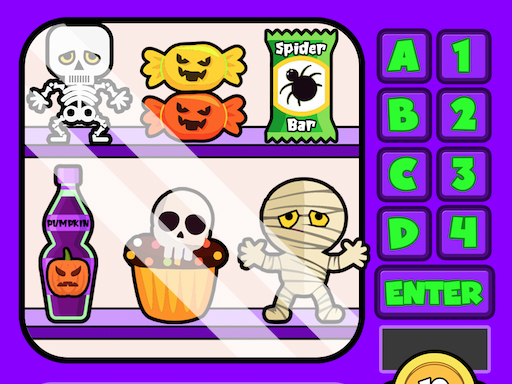
Scary Vending Machine

Math education game using vending machine coin-counting mechanics.

Difficulty
Easy to moderate
Compatibility
See device support below

Game overview

Learn math by purchasing items from vending machines using correct coin combinations. Educational game with three machine types featuring different products.

This title is best suited to children learning basic math and coin counting skills..

How to play Scary Vending Machine

  1. Choose a vending machine: toys, treats, or food
  2. Read the item price on the display
  3. Insert the correct combination of coins
  4. Receive the item if your sum is correct
  5. Learn from error messages if incorrect

Controls

  • pointer: click coins to insert
  • pointer: select vending machine

Objectives and failure conditions

Objectives

  • Purchase all items by calculating and inserting correct coin amounts.

The run ends or fails when

  • Incorrect coin amounts produce error messages; try again until correct.

Gameplay mechanics

  • Math-based coin counting with immediate feedback.
  • Three vending machine themes provide variety.

Device compatibility

Desktop browsers

Mouse or trackpad: Scary Vending Machine loads straight into the page on desktop Chrome, Edge, Firefox and Safari with no download or plugin. Controls used: pointer, pointer.

Phones and tablets

Touch controls: Scary Vending Machine is driven by pointer input, which maps to tap and drag on a touch screen.

Tips for Scary Vending Machine

  • Count coins carefully before inserting
  • Use error messages to learn from mistakes
  • Practice with different coin combinations

What worked well and what did not

Pros

  • Educational math content
  • Immediate feedback helps learning
  • Themed vending machines add variety

Cons

  • Limited gameplay beyond math practice
  • May require adult guidance for young children

Player comments

No published comments yet.